
Editable Design Files: What to Check Before Client Handoff
A polished preview is not proof of an editable file. Check text, shapes, image replacement, and export compatibility before handing an AI-assisted design to a client.
 Written by HiveGlyph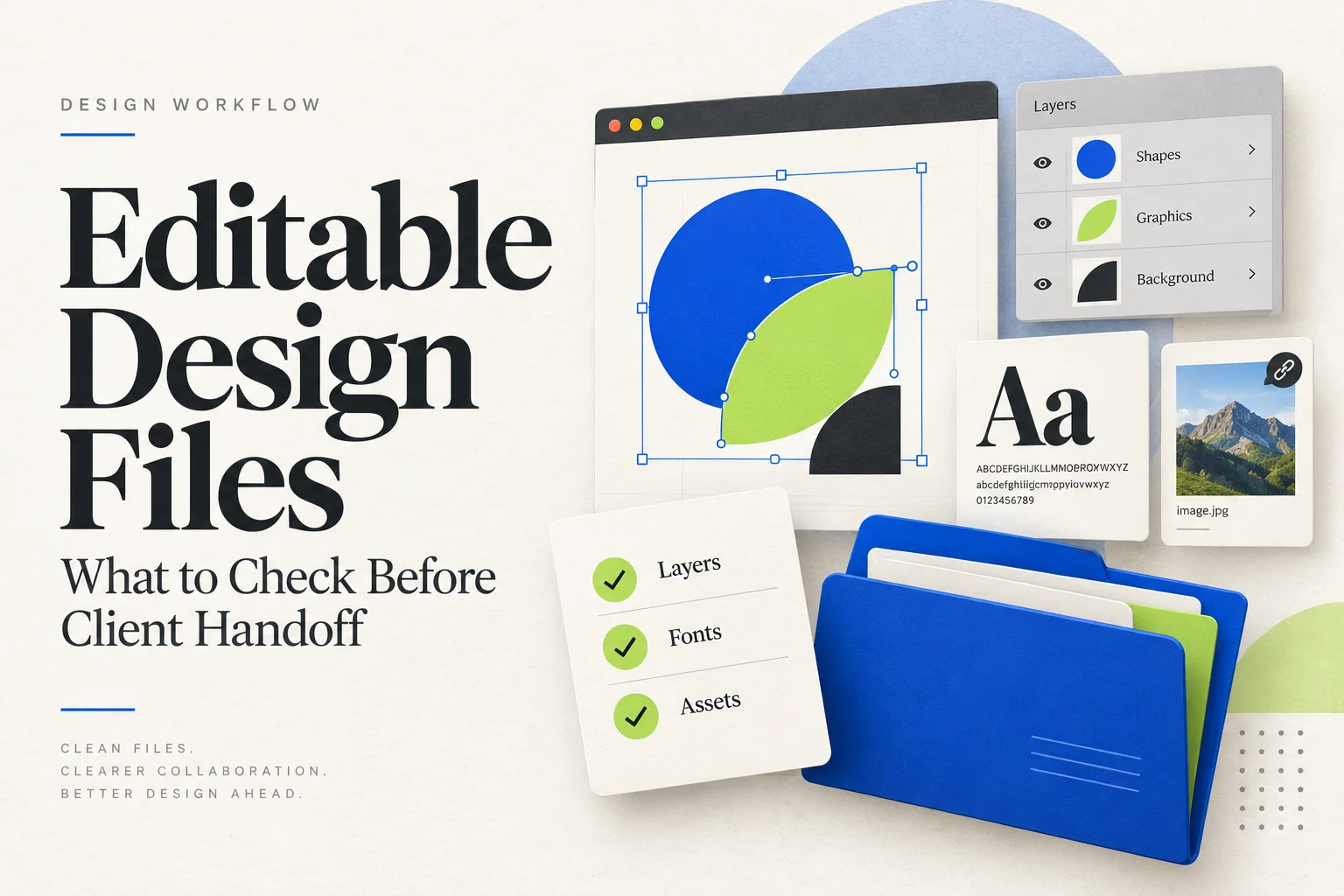
The presentation looks finished. The client approves the direction, then asks for the campaign name to change and the background to become blue. That is when you discover whether you have editable design files or just an attractive picture.
AI-assisted tools make this distinction worth checking early. Adobe’s current Illustrator documentation, updated on 1 June 2026, describes generating vector scenes, subjects, and icons from prompts. That is a useful production capability. It is not a substitute for checking the structure of the file you intend to deliver.
A design can contain generated imagery, manually drawn shapes, and carefully typeset copy in the same document. Each part may need a different kind of edit. Before calling the result ready for handoff, test the changes the recipient will actually make.
Define what “editable” means for this job
Ask what happens after delivery. Will someone replace a price every week, resize an illustration for packaging, translate a headline, or simply upload an approved image? Those are different requirements. A flattened export can be entirely appropriate for an upload. It is a poor substitute for a reusable layout whose copy must change.
For a hypothetical independent skincare brand, imagine a launch kit containing a product card, a square social graphic, and a wide banner. The team needs to change the product name and price, replace the photograph, and reuse the same colors. Write those needs down before choosing the delivery format.
The useful question is not whether every part of the artwork can be selected. It is whether the next person can make the agreed changes without rebuilding the design. A hundred selectable fragments may offer less practical control than a few well-organized objects.
| Expected change | What to test | Evidence that it works |
|---|---|---|
| Replace the product name | Edit the words, including a longer name | The text remains editable and fits a deliberate layout |
| Change the brand color | Recolor the relevant shapes | No unwanted patches or forgotten objects remain |
| Swap the photograph | Replace the image inside its crop | The new image keeps the intended framing |
| Reuse the artwork elsewhere | Open the delivered file in the recipient’s application | The required edits still work after transfer |
An SVG extension does not prove everything is vector
The W3C SVG specification allows an SVG image element to reference raster files such as PNG and JPEG. An SVG can therefore contain an image rather than a set of independently editable shapes. The extension alone cannot tell you what is inside.
Inspect the object or layer panel in your editor. Select the illustration separately from its surrounding layout. Is it a placed image, a group of paths, or a combination? If you expect to recolor a leaf independently, try doing exactly that. Enlarging the canvas and seeing a sharp edge is not the same test.
For the skincare example, suppose the background is a generated photograph with botanical details. Keeping it as an image may be the right choice. If the brand needs a leaf icon that changes color across a product range, create or refine that icon as separate vector artwork instead. Do not promise independent control over leaves that exist only as pixels in a background.
There is no need to force the entire project into one format. Decide which elements need structural editing and which only need to be replaced as complete images. Explain that distinction in the delivery note.
Keep changeable copy separate from artwork
A product name, ingredient line, or event date should be treated as content with a likely revision path. As an editorial practice, keep that copy in a live-text master whenever the recipient needs to change it. Keep any outlined delivery version separate and clearly named.
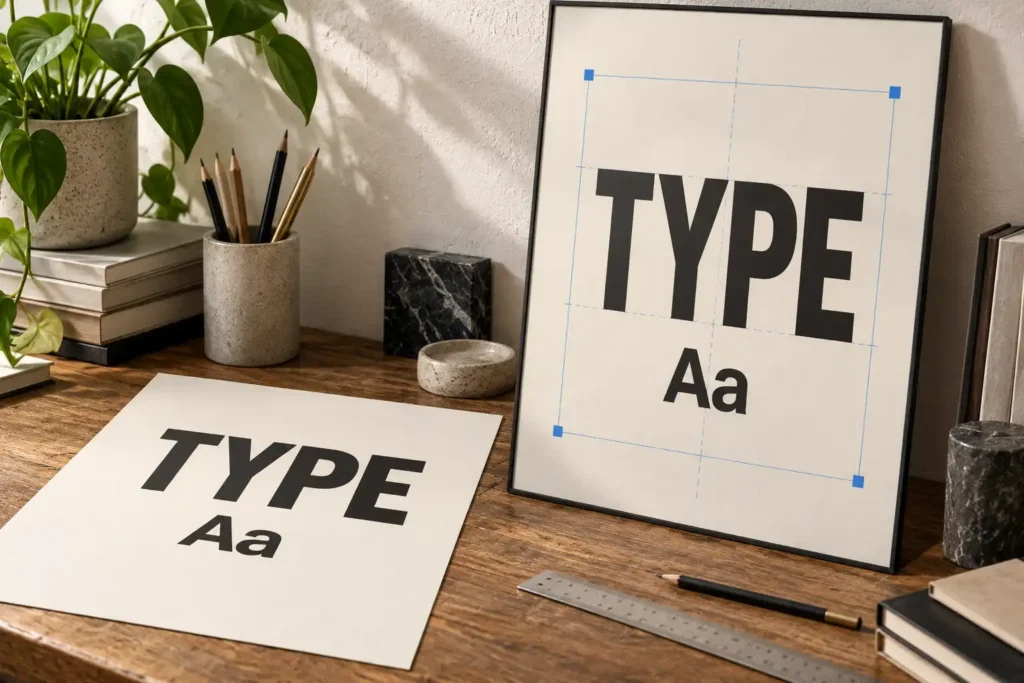
Outlined letters can be useful as fixed artwork, but moving their points is not the same task as editing a sentence. Before export, try replacing a short name with a longer one. Check the line break, margin, spacing, and relationship to the image rather than accepting whichever arrangement the application produces.
In a hypothetical editorial product card, New Eta could be a candidate to evaluate for the headline. Build the actual heading with the font in your layout application. A product specimen or a picture containing similar lettering is not a reusable text layer, and this suggestion is not a claim that the pairing has been tested.
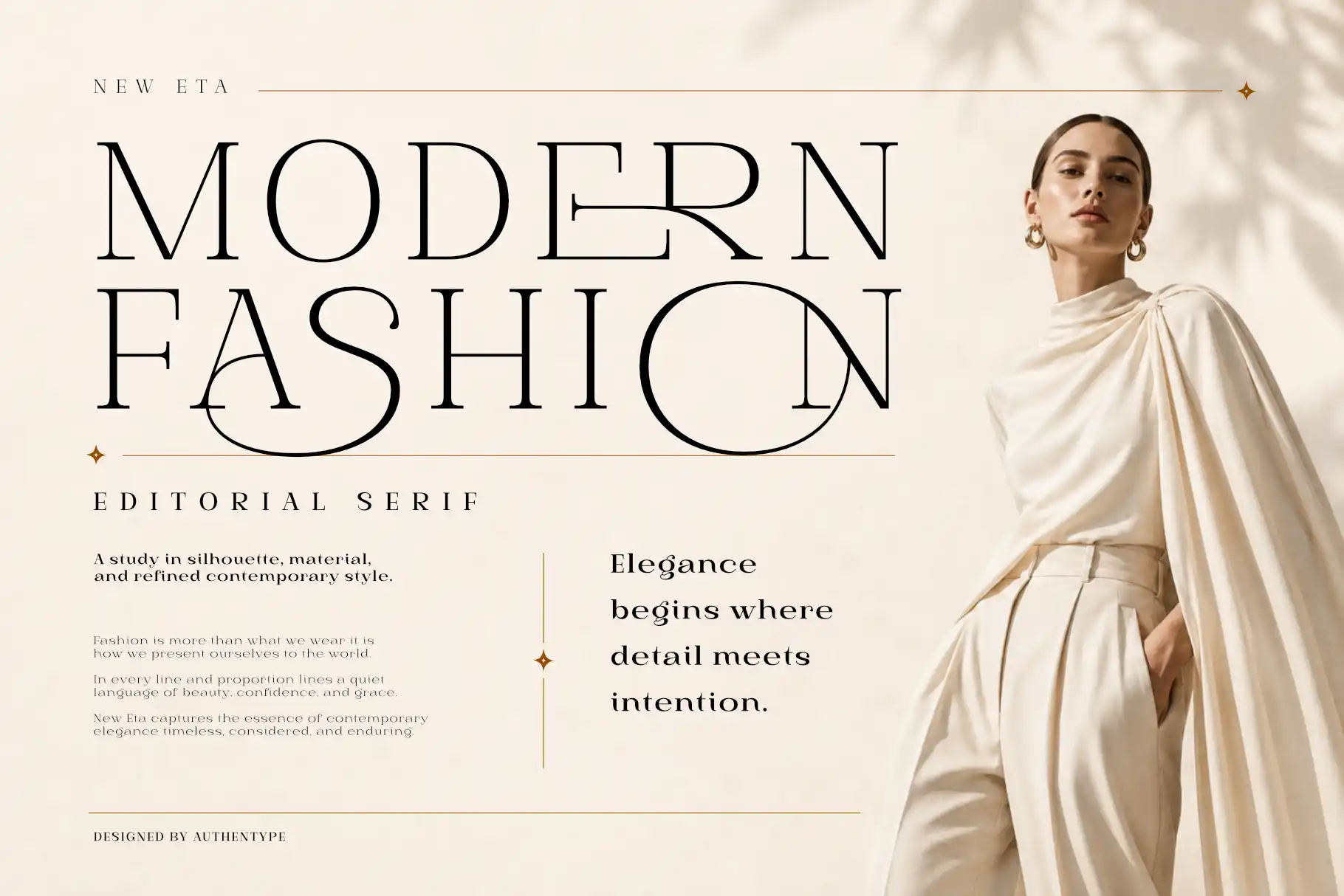
If typography overwhelms the supporting information, our guide to choosing a display font offers a separate check on the visual choice. File editability will not rescue a hierarchy that makes the price or product details hard to find.
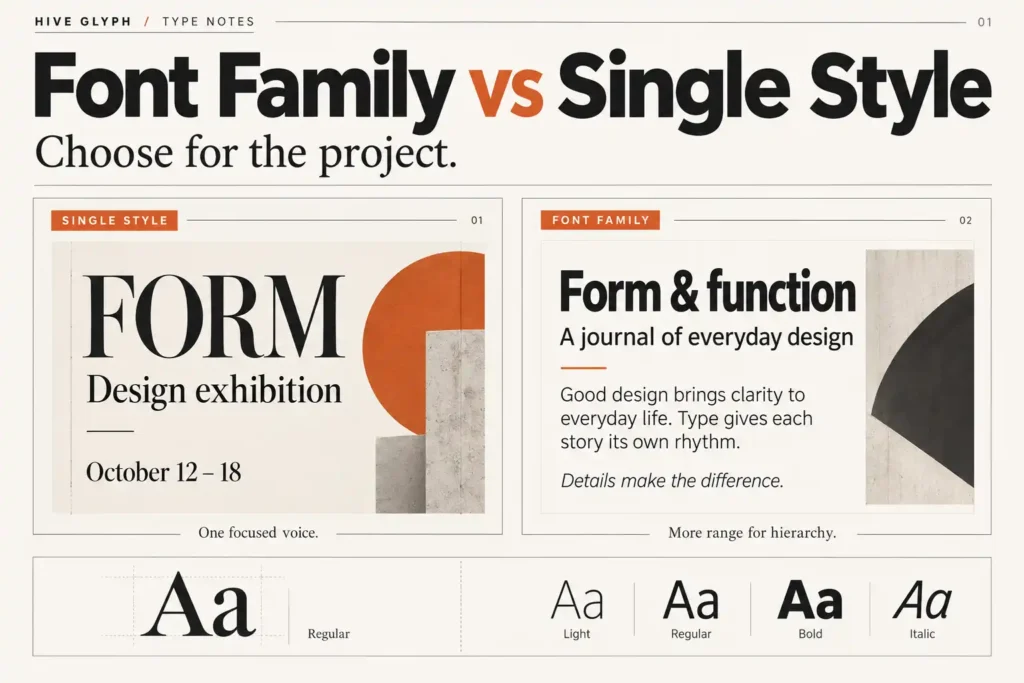
Record the font family and style names in the delivery note. Before supplying font files or expecting another person to install them, check the applicable license. Technical access and permission are separate questions. Our free vs demo fonts guide explains why a working download is not enough to establish the permitted use.
Make one realistic revision before exporting
Duplicate the working document and use the copy as a rehearsal. For the skincare kit, change “Night Oil” to “Overnight Botanical Concentrate”, replace the price, and insert a photograph with a different crop. These are invented test inputs, not results from a client project.
Watch where the design resists those changes. Does the longer name collide with the logo? Can the photo be replaced without moving the frame? Does a new background color expose stray shapes? Fix the underlying structure rather than hiding the problem in the current export.
Name groups according to their role, such as product image, headline, and supporting copy. A recipient should not need to guess which of several unnamed groups contains the object they need. Remove abandoned variations from the delivery copy while preserving your working archive.
Inspect small details at the intended size too. The ability to edit a shape says nothing about whether its outline reads clearly on a small label. Look at the actual crop and scale the audience will see, then return to the master for any necessary changes.
Test the delivered file, not only the master
Save the source, export the intended delivery file, and reopen that export in the application the recipient plans to use. Repeat the agreed text, color, or image change there. Treat a successful test in your own editor as evidence about that editor, not as a guarantee for every other tool.
If the recipient’s application is unavailable, state that the compatibility check is incomplete. Provide the tested application and version rather than claiming universal editability. Ask for a small acceptance check before the file becomes the basis of a larger campaign.
Keep a visual reference export next to the editable file so the recipient can compare the intended appearance. Also explain which file is the master, which is ready for publishing, and which parts are fixed. For this hypothetical kit, a useful note would say that the product name and price are live text, the photograph is replaceable, and the textured background is a flattened image.
When a required edit fails, the next action should be specific. Rebuild the affected element, adjust the agreed format, or clearly narrow what the file is intended to do. Do not rename a flattened asset “editable” and leave the repair to the recipient. The handoff is ready when the promised changes survive the handoff itself.
[…] Keep the documents separate. Do not paste licensing claims into a provenance note unless they have been checked against the actual agreement. For a broader handoff review, use our guide to checking editable design files before client delivery. […]