Free vs Demo Fonts: What to Check Before Using One
A font can include every style you need and still exclude client work. Learn how to check free and demo downloads, their contents, and the license before delivery.
 Written by HiveGlyph
A free font can look ready for a finished project long before you know whether you may use it there. It installs, the headline fits, and the download may even include several weights. None of those checks tells you whether the license covers a client’s logo.
When comparing free vs demo fonts, separate the download’s contents from its permissions. “Free” tells you about price. “Demo” identifies a trial offering, but you still need the publisher’s terms to know what you may test or deliver. Neither label alone answers both questions.
Before you build a layout around either one, check the exact release, the work you intend to make, and the characters that work requires. A few minutes spent on those details can reveal a missing permission or an unsuitable file before the layout depends on it.
What did “free” actually tell you?
A zero price tells you what you paid. It does not tell you which projects the license covers, whether other people may install the file, or whether the download contains the styles shown in the specimen.
There are genuinely open-licensed fonts. For example, the SIL Open Font License website describes uses including books, posters, artwork, logos, and websites. Its official license text also sets conditions for activities such as modifying and redistributing the font software. An open license still has terms, even when no purchase is required.
A personal-use download is a different offer. Do not transfer permissions from an open-licensed font you used last month to another font simply because both were available at no cost.
For a demo, look for two separate answers
First, read what the publisher says the download contains. Then read what its terms allow you to do with those files. A description of the character set cannot establish permission for a commercial mockup. Equally, permission to evaluate a font does not tell you whether the trial contains the accented letters or alternate forms your design needs.
If either answer is missing, ask before committing to the font. Do not assume a demo has restricted characters just because another trial did, or that a free download is a demo because it costs nothing.
| What you see | What to check next |
|---|---|
| A free download button | The license attached to that exact download. |
| A demo or trial label | Which uses the trial permits and which files or features it includes. |
| Several weights in the ZIP | Whether the included styles meet the project’s needs, separately from usage permission. |
| A commercial product page | The selected style package and the license option appropriate to the intended delivery. |
A complete-looking family can still have a limited license
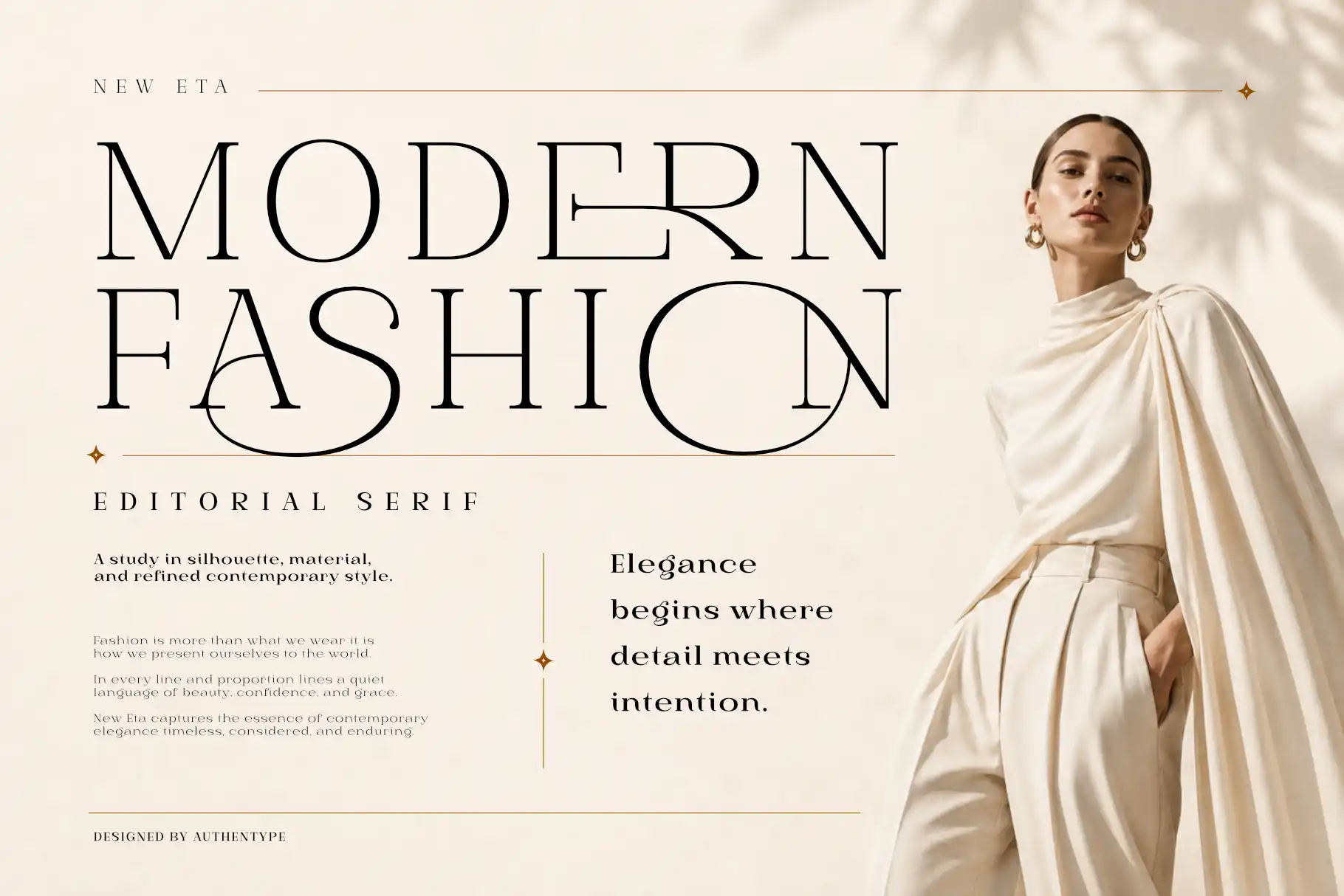
The current New Eta Free Font page makes this distinction visible. It lists nine styles and identifies the license as Free Personal 1.0. The number of styles is information about the release. It is not a grant of commercial rights.
The linked HiveGlyph Free Personal Use PDF allows non-commercial personal projects and personal print or digital artwork. It excludes commercial projects, client work, advertisements, and monetized websites. Those restrictions matter even when the font already produces exactly the visual result you need.
We checked the page and its linked PDF on 18 September 2026. Read the terms supplied with your own download, and ask Hive Glyph if the wording does not clearly cover your project.
Describe the job before asking about permission
Suppose you make a personal notebook-cover study, then a café asks to use the same lettering for its identity. The artwork has barely changed, but the intended use has. Under the HiveGlyph Free Personal license linked above, client work is excluded even if the café has not paid you.
Separate the café’s deliverables before contacting the publisher. A printed menu, a finished logo image, and website headings that load a font file are different outputs. Also establish whether the café will need to install the font to edit its own menus.
A useful enquiry for this hypothetical project could read like this.
I downloaded New Eta from your free-font page. I’m considering it for a café’s printed menus and logo, plus live text on one website. The café may also need to edit the menus on its own computer. Which licenses and files would cover those uses, and may I use this download to prepare a client proposal?
This gives the publisher something specific to assess. Keep the reply with the project and resolve any missing permission before doing the affected work. Buying an unspecified “commercial license” without checking its scope can leave the same question unanswered.
Check the file with the words you need
Permission is only half of the preparation. The download also has to do the typographic work you expect.
Once you have confirmed that your proposed evaluation is permitted, make a small test document in the application you plan to use. Include the actual title, a line of supporting copy, a price or date, and any names that require accents. A pangram is useful for seeing an alphabet, but it will not necessarily expose a problem in your client’s name.
For the hypothetical café, a small test might contain “CAFÉ ÉTOILE”, “Breakfast 08:00–11:30”, and “€12.50”. These invented lines check accents, numerals, currency, and punctuation in a realistic setting. Replace them with the actual wording of your project, including any other languages it needs. This is a suggested test, not a claim that a particular download supports every character shown.
If a character looks out of place, check the selected font and style and inspect the application’s glyph panel or character information. Compare what is available with the publisher’s character list. Record the actual problem, such as “the required É is unavailable in the trial”, rather than concluding that the entire family lacks it.
Do the same with decorative forms. A beautiful alternate in a specimen does not tell you which file contains it or how your application exposes it. Look for the product’s feature information and the application’s relevant controls. If you cannot establish what is included, ask rather than inventing an explanation for the missing shape.
Review the test at the intended output size. A menu price should be readable as a price, and an accented capital should fit the line without an improvised substitute. Note any unresolved issue before purchase so you can ask about the exact character or feature.
Make the transition to a licensed release deliberate
If you decide to purchase, return to the product page with your test notes. Check the style names, file formats, supported characters, and license selection before completing the order. “Full version” is too vague to use as your only checklist.
The New Eta retail release provides a place to review the commercial offering. Use the Hive Glyph licensing guide alongside it. The guide distinguishes static design work from webfont delivery and other forms of embedding, and states that the license attached to the purchase controls the permitted use.
After obtaining the appropriate files, reopen a copy of your test document and confirm which font it is using. Compare line breaks, characters, and any alternate forms that matter to the project. Save an export for reference. Do not wait until final delivery to discover that the document is still pointing at an earlier test installation.
If the visual choice itself remains uncertain, our guide to choosing a display font can help you evaluate the design. Buying a license should follow a considered choice, not substitute for one.
Make the download decision easy to revisit
Before you close the test document, leave a short note beside it with the release name, source link, selected styles, and anything still missing. Save the applicable license and any publisher clarification with the project. Keep receipts and private correspondence out of public asset folders.
For the café example, the note might say that the visual direction is approved, the required accented letters still need checking, and client use awaits the appropriate license. That is more useful than a folder simply labelled “free fonts”. It tells the next person exactly what can move forward.
If the source page and the included license disagree, send the publisher both references and identify the file you downloaded. Pause the affected use until the discrepancy is resolved. Do not send font files to a client merely because they need to edit the artwork. First check whether their installation and any transfer are permitted.
Choose the download when its terms cover the proposed work and its contents meet the design’s requirements. If permission is missing, resolve the license. If essential characters or styles are missing, confirm that another release includes them or choose another font. A successful installation is the start of that check, not the end.
[…] them, check the applicable license. Technical access and permission are separate questions. Our free vs demo fonts guide explains why a working download is not enough to establish the permitted […]